
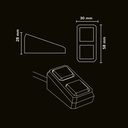
SKYN1 PXP Force Button

SKYN1 PXP Force Button
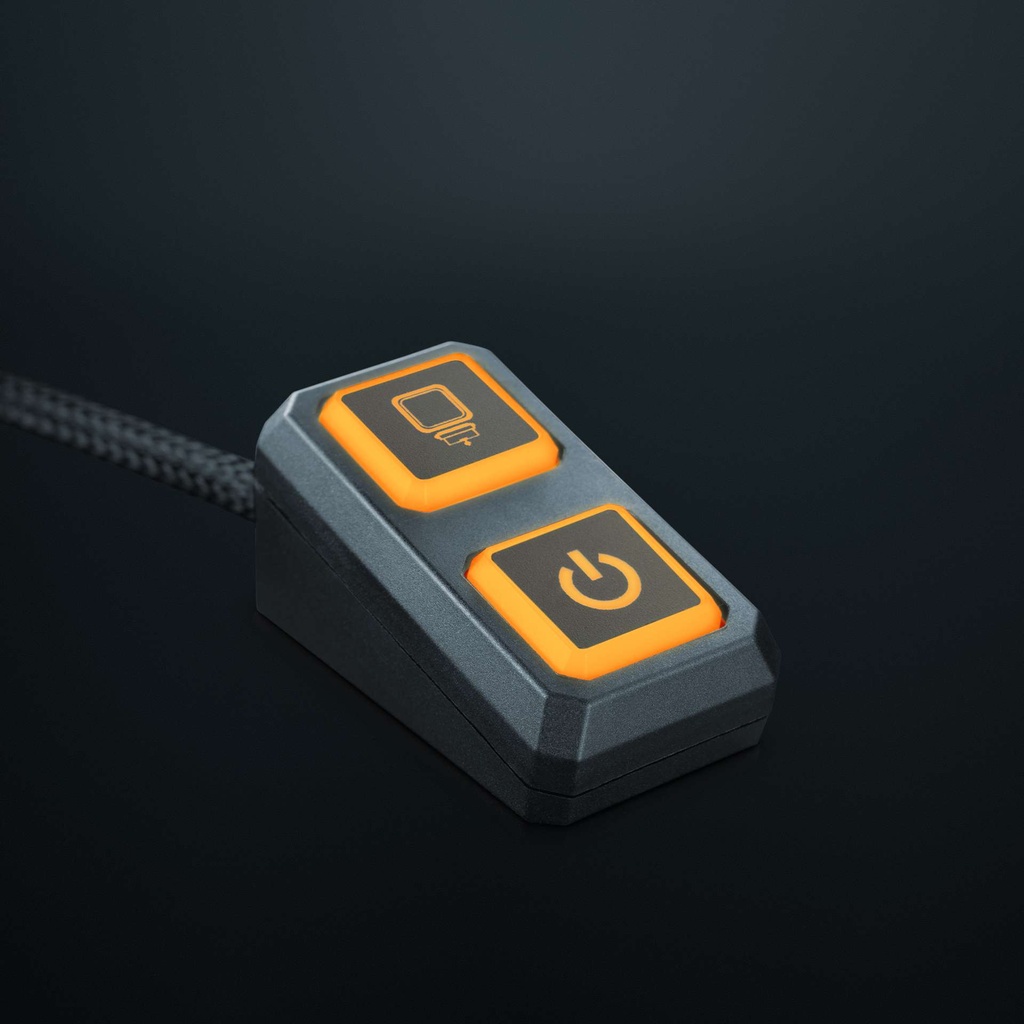
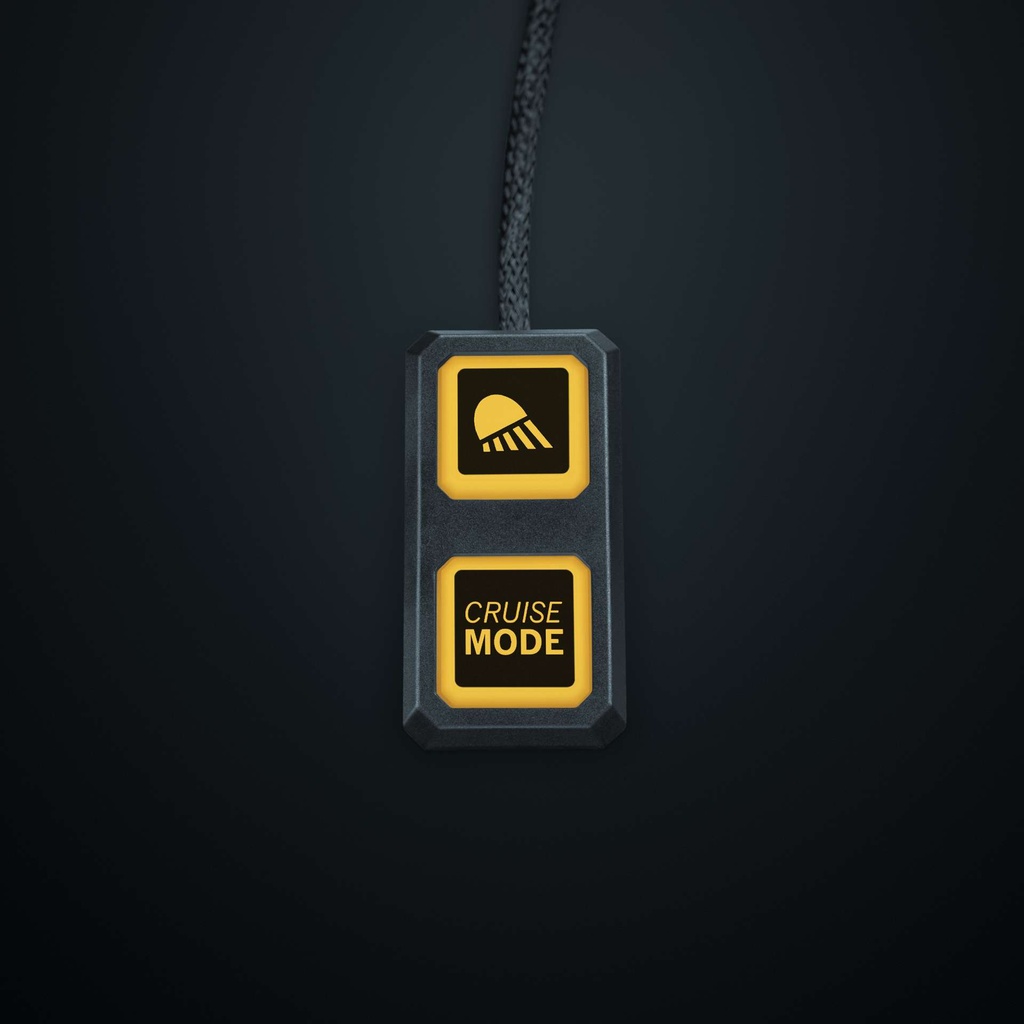
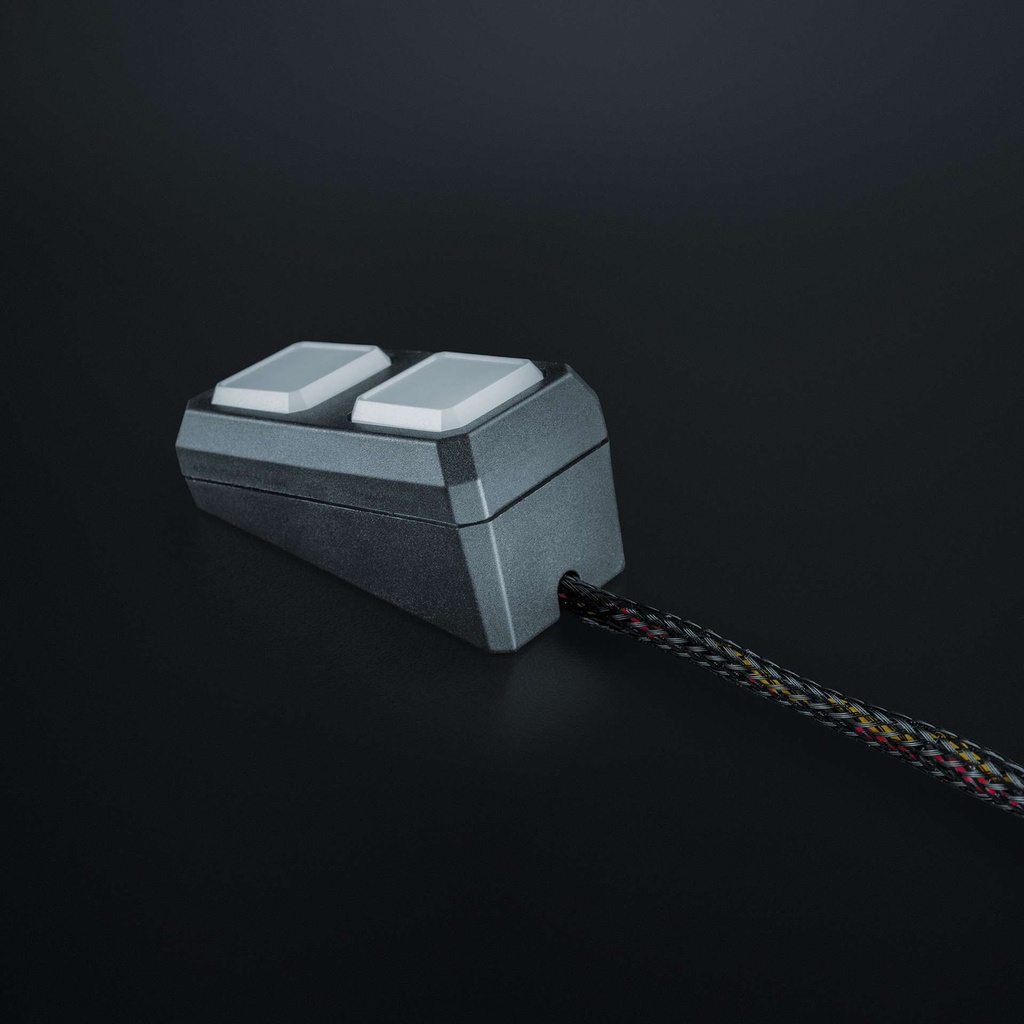
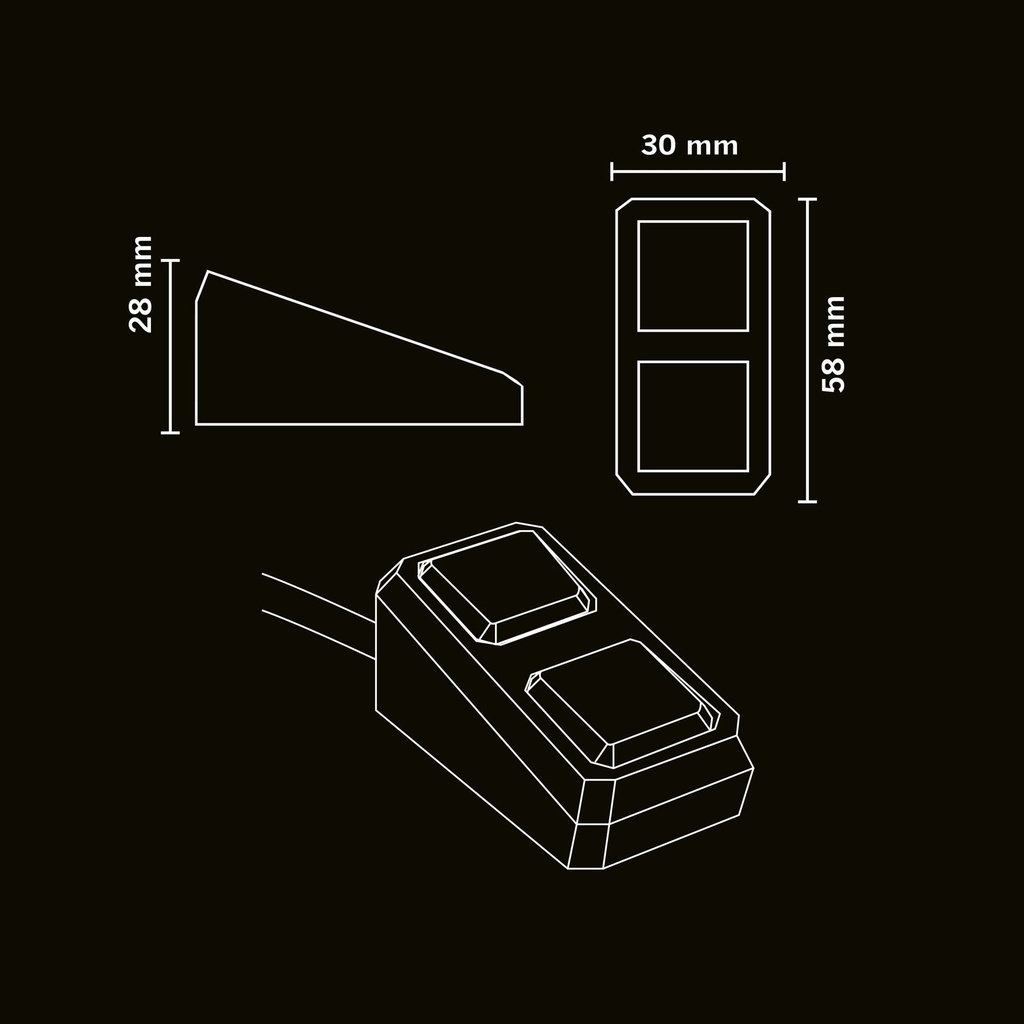
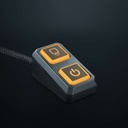
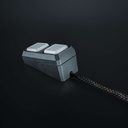
Double remote control for 907801 Force Box
9-30V, 25cm Cable, RGB LED
ECE R10.07 CE-RED
Dim. 30x28mm
Description:
The SKYN1 PXP Force Button is a control button designed to work with the SKYN1 PXP Force Box. Together with the SKYN1 app available for iOS and Android, it creates a flexible control system that lets you operate multiple lighting functions from easy-to-reach physical buttons as well as via an app.
Simple physical control for advanced lighting systems
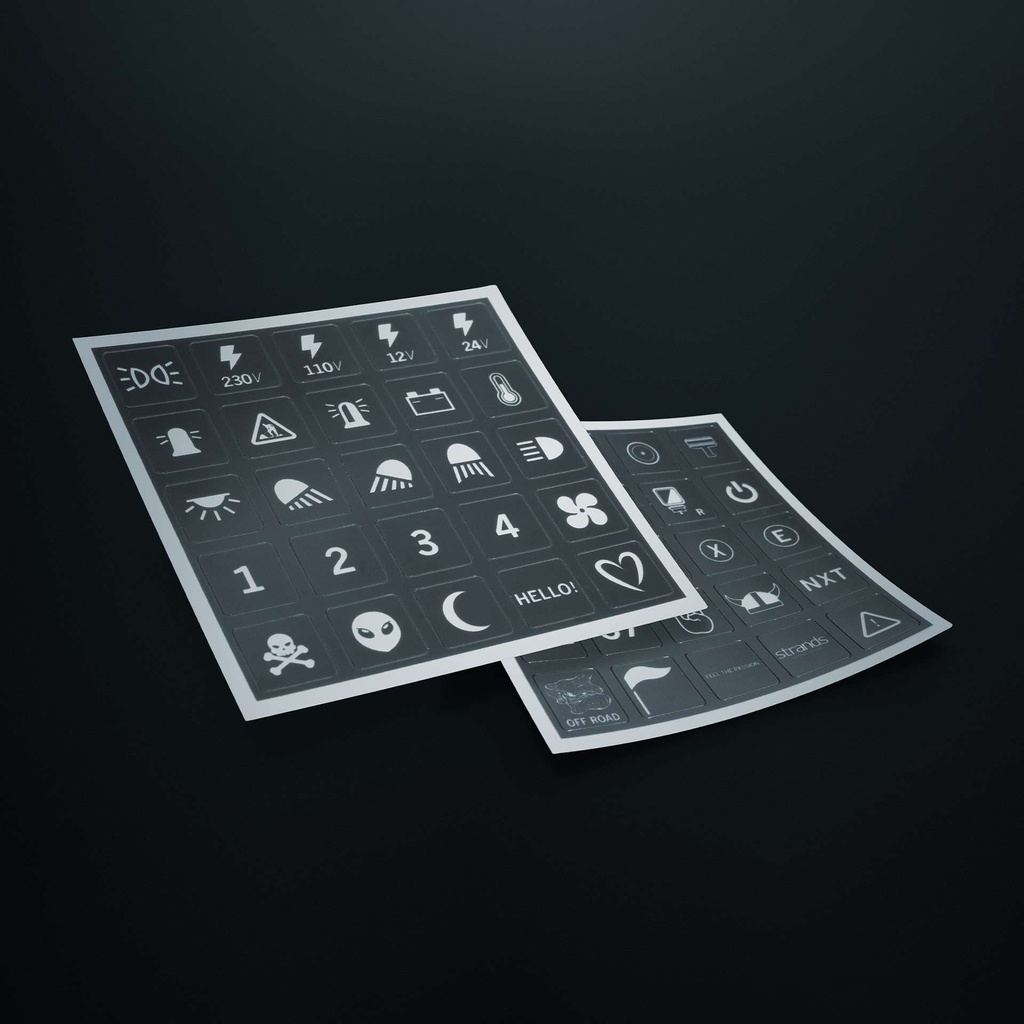
The Force Button gives you fast access to your most important lighting functions via the Force Box. After connecting the button to the Force Box in the SKYN1 app, you can set exactly what each button controls.
Two quick-access buttons can be configured to operate work lights, position lights, auxiliary lights, and reverse lighting directly from the cabin.
Programmable through the SKYN1 app
Configuration is handled entirely in the SKYN1 app. Simply connect the Force Box and Force Buttons, add your vehicle, and assign the desired functions to each button. The app connects to the Force Box via Bluetooth® wireless technology[i].
The app also allows multiple vehicles to be stored, making it easy to switch between different vehicles without rebuilding your control setup. For an even clearer overview, the app can also be used on a tablet inside the vehicle.
Designed to work with the PXP Force Box
The Force Button is part of the complete PXP ecosystem and requires a SKYN1 PXP Force Box to operate connected lights. The button sends commands, while the Force Box controls the signals to the lights.
Multiple Force Buttons can be connected to the same Force Box, providing convenient control from different positions within the vehicle. Likewise, larger installations can include several Force Boxes, all managed through the same app.
Flexible and scalable control
As your installation grows, the PXP system grows with it. Whether controlling a simple lighting setup or a more advanced installation with several relay boxes, the button remains part of one unified control system.
- Smooth operation: Controls connected functions through the Force Box.
- Programmable buttons: Assign functions directly in the SKYN1 app.
- Multiple functions: Two quick-access buttons can control multiple lighting functions.
- Multiple buttons supported: Add several buttons to the same installation.
- Multi-vehicle support: Easily switch between saved vehicles in the app.
Installation and compatibility
The Force Button is powered, paired with the PXP Force Box, and configured through the SKYN1 app, available for both iOS and Android. Once connected, the button becomes part of a complete lighting control system that reduces switch clutter while providing fast, intuitive operation.
Why choose the SKYN1 PXP Force Button?
The Force Button combines the convenience of physical controls with the flexibility of programmable technology. Together with the PXP Force Box and SKYN1 app, it provides a clean, scalable, and intuitive way to control virtually any vehicle lighting setup from one integrated ecosystem.
[i] The Bluetooth® word mark and logos are registered trademarks owned by Bluetooth SIG, Inc. and any use of such marks by Strands Lighting Division is under license. Other trademarks and trade names are those of their respective owners.